An item in four lines
A sword that does not exist in Minecraft, from the start to a player's hand, without leaving a text file.

Premium
Items, blocks, mobs, enchantments and recipes that Minecraft does not have.
Included in Shadow Server - ADVANCED and in every tier above: with the subscription it stays active and updated for as long as it runs, on one server. See the tiers.
29.99 € Stable Gameplay and content
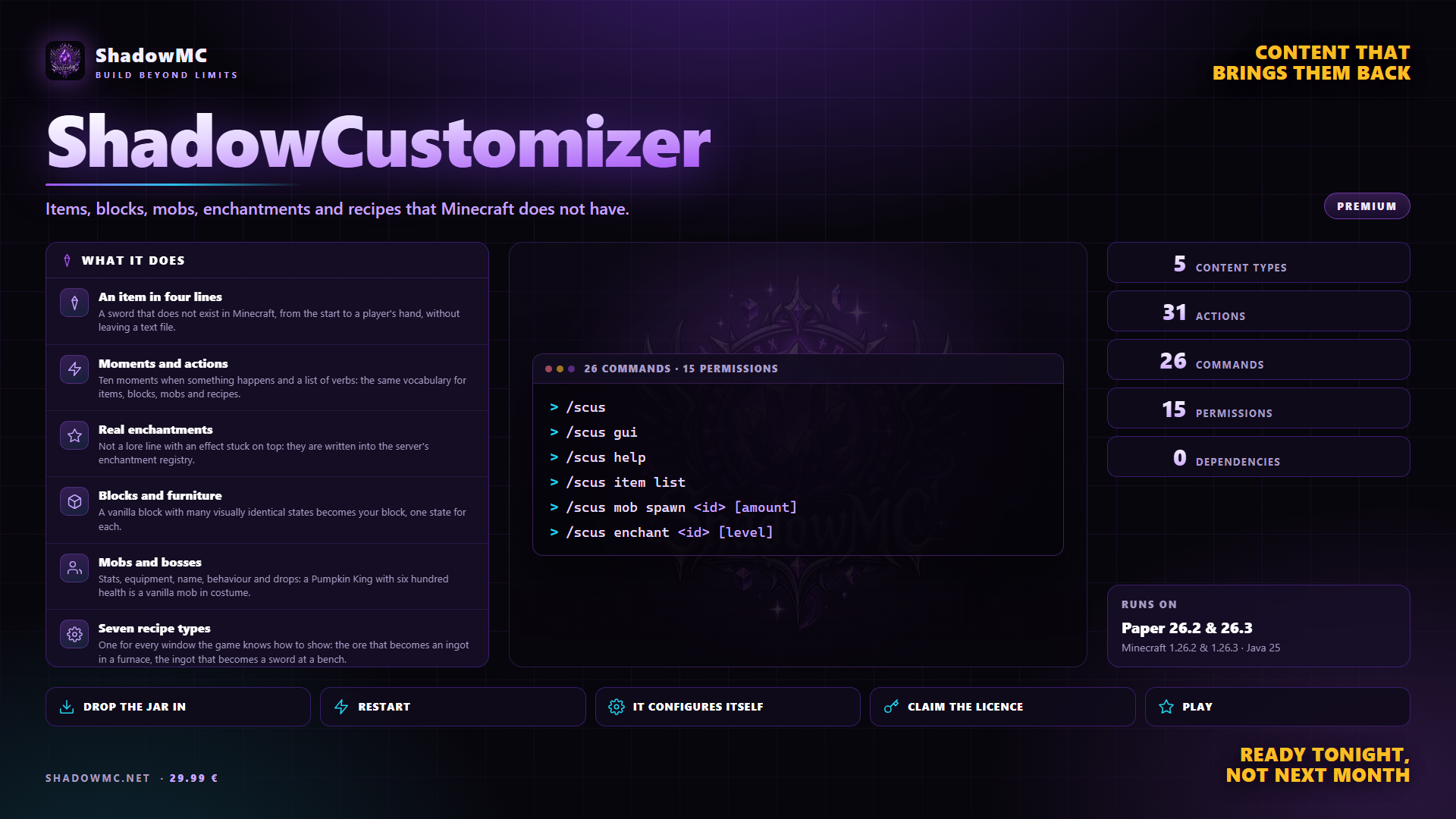
A sword that does not exist in Minecraft, from the start to a player's hand, without leaving a text file.
Ten moments when something happens and a list of verbs: the same vocabulary for items, blocks, mobs and recipes.
Not a lore line with an effect stuck on top: they are written into the server's enchantment registry.
A vanilla block with many visually identical states becomes your block, one state for each.
Stats, equipment, name, behaviour and drops: a Pumpkin King with six hundred health is a vanilla mob in costume.
One for every window the game knows how to show: the ore that becomes an ingot in a furnace, the ingot that becomes a sword at a bench.
| Command | Description | Aliases | Permission |
|---|---|---|---|
| /scusconfirm | Answers a confirmation prompt (used by the chat buttons) | — | — |
| /shadowcustomizer | Custom items, enchantments, mobs, blocks and recipes | /scus /custom | — |
| Command | What it does | Permission |
|---|---|---|
| /scus | Opens the main window. From the console it prints the help. | shadowcustomizer.gui |
| /scus gui | The same thing. It answers to menu as well. | shadowcustomizer.gui |
| /scus help | The list of commands. It answers to ? as well. | shadowcustomizer.use |
| /scus item give <id> [player] [amount] | Gives a custom item, up to 2304 at a time, delivered in whole stacks. The third argument can be the name or the amount: both work. | shadowcustomizer.admin.give |
| /scus item list | The items that exist, each with its own button to take it without retyping the id by hand. | shadowcustomizer.admin.list |
| /scus item info <id> | Which file it comes from, material, model, revision, behaviours, tags. With no id, it lists the ones that exist. | shadowcustomizer.admin.list |
| /scus item hand | What the item in your hand is, and whether it is stuck on an old version of its definition. | shadowcustomizer.use |
| /scus item refresh | Rebuilds the item in your hand from its definition. With a confirmation: whatever was on top is lost - an added enchantment, a name changed at an anvil, the durability used. | shadowcustomizer.admin.refresh |
| /scus mob spawn <id> [amount] | Spawns a mob where you stand, up to fifty at a time. | shadowcustomizer.admin.spawn |
| /scus mob list | The mobs that exist, with a button to spawn them. Bosses are marked. | shadowcustomizer.admin.list |
| /scus mob info <id> | File, starting type, health, whether it is a boss, how many phases and how many drops it has. | shadowcustomizer.admin.list |
| /scus mob kill <id> | Kills every living one of that type, saying first how many there are. With a confirmation. | shadowcustomizer.admin.spawn |
| /scus enchant <id> [level] | Puts a custom enchantment on the item in your hand. The level is clamped between one and the maximum in the definition. | shadowcustomizer.admin.enchant |
| /scus enchant list | The catalogue. To a player it opens the window; from the console it prints the list, marking which ones are waiting for a restart. | shadowcustomizer.enchants |
| /scus block give <id> [player] [amount] | Gives the item that places a custom block. | shadowcustomizer.admin.give |
| /scus block list | The blocks and which note block state each one occupies, plus how many states are left free. | shadowcustomizer.admin.list |
| /scus block where <id> | How many blocks of that type are placed and where the first twenty are. The read happens off the game thread: a diagnostic command must not become the cause of the lag. | shadowcustomizer.admin.list |
| /scus recipe | The list of recipes, with the type and what they produce. | shadowcustomizer.admin.list |
| /scus diag | Everything that does not add up: definitions that are missing but still in circulation, names it did not understand, crooked lines in files with the exact path, enchantments waiting for a restart, orphan blocks. | shadowcustomizer.admin.diag |
| /scus status | Version, licence, how much content is loaded, how many mobs are alive right now, where it writes, how many jobs it has running, whether it is on Folia and which suite plugins it found. | shadowcustomizer.admin.status |
| /scus reload | Re-reads configuration, languages, menus, items, mobs, blocks and recipes, and says how long it took. With a confirmation, because it closes open windows. Enchantments stay as they are: it says which ones are waiting for a restart. | shadowcustomizer.admin.reload |
| /scus license | Tier, status, reason, masked key, server fingerprint, grace days left and, if you are on the free version, the limits. | shadowcustomizer.admin.license |
| /scus license claim <code> | Turns the code you received when buying into a licence signed for this server. | shadowcustomizer.admin.license |
| /scus license activate <key> | Activates a key you already have. It writes it into license.yml, not config.yml. | shadowcustomizer.admin.license |
| /scus license refresh | Re-reads the key from disk and checks again. | shadowcustomizer.admin.license |
| /scusconfirm <token> | The command behind the two chat buttons. Nobody types it by hand. | — |
| Node | What it grants | By default |
|---|---|---|
| shadowcustomizer.use | Use the main command | Operators |
| shadowcustomizer.gui | Open the GUI | Operators |
| shadowcustomizer.enchants | See the enchantment catalogue | Everyone |
| shadowcustomizer.admin.give | Give custom items and blocks | Operators |
| shadowcustomizer.admin.spawn | Spawn and remove custom mobs | Operators |
| shadowcustomizer.admin.enchant | Put custom enchantments on an item | Operators |
| shadowcustomizer.admin.list | See the listings and the information | Operators |
| shadowcustomizer.admin.recipe | Build a new recipe from the GUI (table, furnace, cutter, smithing) | Operators |
| shadowcustomizer.egg | Use the egg of a custom mob | Everyone |
| shadowcustomizer.admin.refresh | Rebuild an item from its definition | Operators |
| shadowcustomizer.admin.diag | See and clear the diagnostics | Operators |
| shadowcustomizer.admin.status | See the state of the plugin | Operators |
| shadowcustomizer.admin.reload | Reload the configuration | Operators |
| shadowcustomizer.admin.license | See and activate the licence | Operators |
| shadowcustomizer.admin · 14 children | The whole of ShadowCustomizer administration | Operators |
There are no screenshots yet. When there are they show up here, and in the meantime saying so beats filling the space.
A sword that does not exist in the game, from a file to a player's hand. Real enchantments written into the server registry, custom blocks, dressed-up mobs and bosses, and seven recipe types.
Un server si distingue per quello che ha dentro. Le mappe si copiano, i plugin li hanno tutti, i gradi del negozio sono gli stessi ovunque: quello che resta e' il contenuto.
ShadowCustomizer covers what you do today with ItemsAdder, MythicMobs — in one jar, with no dependencies to install first.
plugins folder of your Paper server.license claim SG-XXXX-XXXX.None of these has to be installed, except the ones marked required: when it is there, ShadowCustomizer uses it; when it is missing, it works all the same.