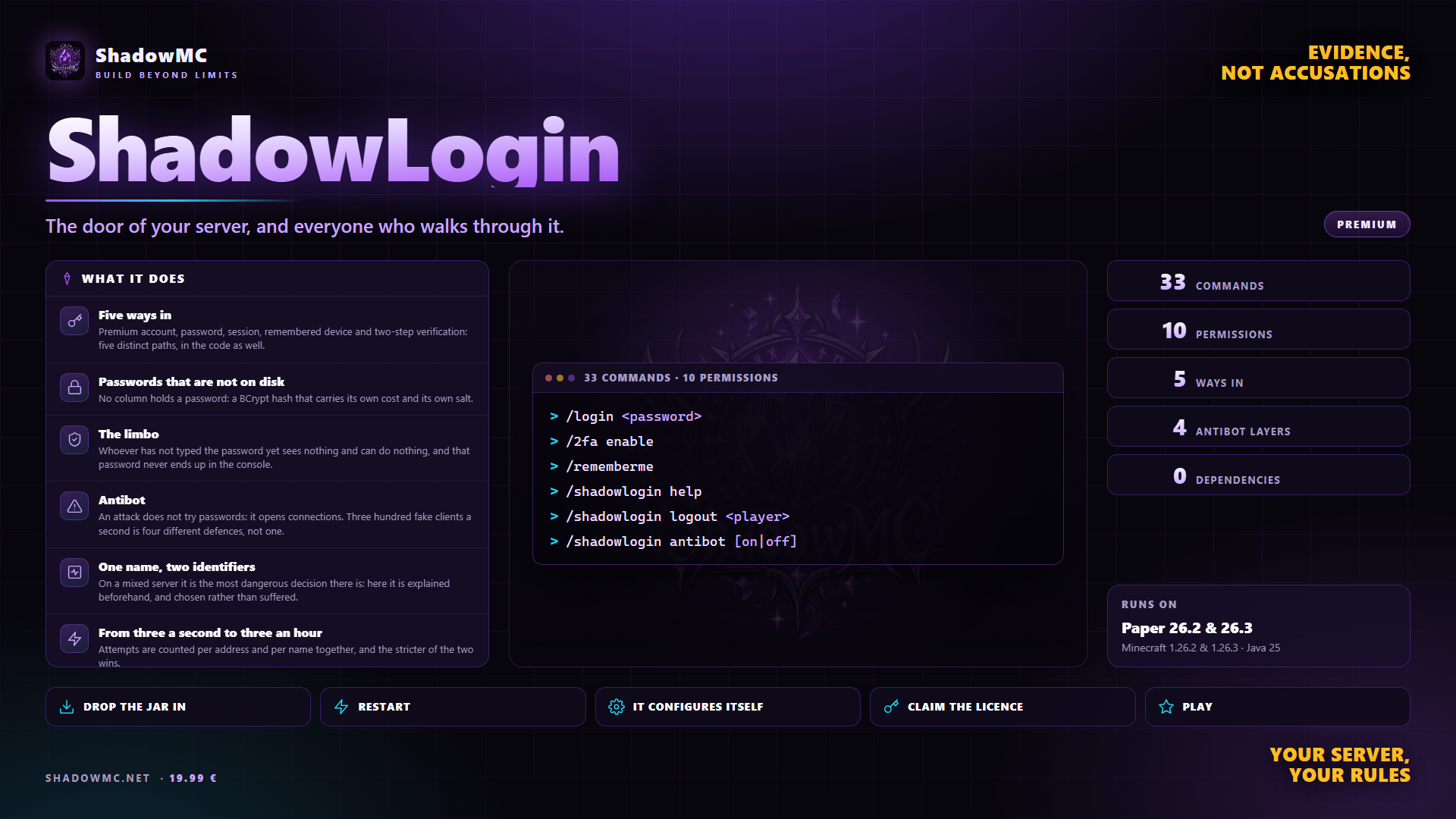
Five ways in
Premium account, password, session, remembered device and two-step verification: five distinct paths, in the code as well.

Premium
The door of your server, and everyone who walks through it.
Included in Shadow Server - BASIC and in every tier above: with the subscription it stays active and updated for as long as it runs, on one server. See the tiers.
19.99 € Stable Protection and security
Premium account, password, session, remembered device and two-step verification: five distinct paths, in the code as well.
No column holds a password: a BCrypt hash that carries its own cost and its own salt.
Whoever has not typed the password yet sees nothing and can do nothing, and that password never ends up in the console.
An attack does not try passwords: it opens connections. Three hundred fake clients a second is four different defences, not one.
On a mixed server it is the most dangerous decision there is: here it is explained beforehand, and chosen rather than suffered.
Attempts are counted per address and per name together, and the stricter of the two wins.
| Command | Description | Aliases | Permission |
|---|---|---|---|
| /shadowlogin | ShadowLogin administration | /slogin /shadowauth /slg | shadowlogin.admin |
| Command | What it does | Permission |
|---|---|---|
| /login <password> | Logs you in. With no arguments it repeats the prompt. Aliases /l, /signin. | — |
| /register <password> <confirm> | Creates your account. The confirmation is against typos, not against attacks: with a single argument it is accepted anyway. Aliases /reg, /signup. | — |
| /changepassword <old> <new> | Changes the password, and with it drops the trust of every remembered device. Aliases /changepass, /passwd. | — |
| /logout | Ends the session and goes back to waiting. Alias /signout. | — |
| /2fa <code> | Answers the verification prompt during login. The other forms are below. Aliases /totp, /twofactor. | shadowlogin.twofactor |
| /recover <code-or-answer> <new> | Recovers access, with the staff code or with the answer to the question: one form for both cases. Alias /recovery. | — |
| /loginmenu | Opens the click-through screen. Alias /logingui. | — |
| /rememberme [status|forget] | Remembers this computer. Alias /trustdevice. | shadowlogin.trusteddevice |
| Command | What it does | Permission |
|---|---|---|
| /2fa enable | Prepares a new secret and shows it once, with the backup codes. | — |
| /2fa confirm <code> | Switches verification on, after proving the code really works. | — |
| /2fa disable <code> | Switches it off. A valid code is required. | — |
| Command | What it does | Permission |
|---|---|---|
| /rememberme | Remembers this computer: next time, no password. | — |
| /rememberme status | How many devices are on record, and whether this is one of them. | — |
| /rememberme forget | Drops the trust of all of them, immediately. | — |
| Command | What it does | Permission |
|---|---|---|
| /shadowlogin help | The list of commands, in game. It answers to ? as well. | shadowlogin.admin |
| /shadowlogin status | How the plugin stands right now: total accounts, who is online, who is waiting, successful and failed logins and registrations, antibot, premium accounts, licence, storage. | shadowlogin.admin |
| /shadowlogin info <player> | Everything known about an account: key, identifier, when and from where it registered, last login, whether it is premium, whether it has two-step, whether it has a recovery question, and the cost the password is hashed with. | shadowlogin.admin |
| /shadowlogin accounts [page] | The list of accounts, ten per page. | shadowlogin.admin.accounts |
| /shadowlogin history [player] | The login log, the last twenty. Without a licence only the ones held in memory remain, and the command says so. | shadowlogin.admin |
| /shadowlogin premium [refresh] <name> | Asks Mojang about that name and shows both identifiers, the real one and the one computed from the name, saying whether the answer came from the cache. refresh forgets the answer and asks again. | shadowlogin.admin |
| Command | What it does | Permission |
|---|---|---|
| /shadowlogin forcelogin <player> | Logs somebody in by hand. It issues no remembered device. | shadowlogin.admin |
| /shadowlogin logout <player> | Puts them back in the waiting room, immediately. | shadowlogin.admin |
| /shadowlogin session clear <player> | Cancels their session: at the next connection they type the password again. | shadowlogin.admin |
| /shadowlogin resetpassword <player> | Generates a recovery code to hand over in person, valid for fifteen minutes and one use only. It revokes the remembered devices at once. | shadowlogin.admin.password |
| /shadowlogin setpassword <player> <password> | Changes a password. It clears the session, revokes the remembered devices and leaves a line in the log with the name of whoever did it. | shadowlogin.admin.password |
| /shadowlogin 2fa disable <player> | Switches their two-step verification off. It asks for confirmation with the two buttons. | shadowlogin.admin.password |
| /shadowlogin trust <player> [revoke] | Their remembered devices: how many, since when and from which address they were last seen, plus a button to drop them all. With revoke it asks for confirmation and drops them. | shadowlogin.admin.trust |
| /shadowlogin unregister <player> | Deletes an account. It asks for confirmation with the two buttons, and kicks them if they were connected. | shadowlogin.admin.password |
| Command | What it does | Permission |
|---|---|---|
| /shadowlogin antibot [on|off] | The state of the antibot, and strict mode switched on or off by hand. | shadowlogin.admin |
| /shadowlogin export [file] | Exports every account to CSV, into the export folder. | shadowlogin.admin.export |
| /shadowlogin import <file> | Imports from a CSV. It never overwrites an account that already exists. It asks for confirmation. | shadowlogin.admin.export |
| /shadowlogin reload | Re-reads configuration and languages without a restart, and prints the list of problems found. | shadowlogin.reload |
| /shadowlogin license | Version, limits, licence and server fingerprint. The key is always masked. It accepts claim, activate and refresh. | shadowlogin.admin.license |
| Node | What it grants | By default |
|---|---|---|
| shadowlogin.admin | ShadowLogin administration commands | Operators |
| shadowlogin.reload | Reload configuration and languages | Operators |
| shadowlogin.admin.license | View and activate the licence | Operators |
| shadowlogin.admin.accounts | View the account list | Operators |
| shadowlogin.admin.password | Change another player's password | Operators |
| shadowlogin.admin.export | Export and import accounts | Operators |
| shadowlogin.admin.trust | View and revoke a player's remembered devices | Operators |
| shadowlogin.twofactor | May turn on two-factor authentication on their own account | Everyone |
| shadowlogin.trusteddevice | May have their own device remembered | Everyone |
| shadowlogin.* · 8 children | Every administrative permission | Operators |
There are no screenshots yet. When there are they show up here, and in the meantime saying so beats filling the space.
Five ways in, passwords that exist nowhere on disk, a limbo where nothing can be seen or done before logging in, four antibot defences, and the premium-account question answered without guessing.
Un server che accetta anche account non ufficiali ha un buco grande come una porta: il nome non prova niente.
ShadowLogin covers what you do today with AuthMe — in one jar, with no dependencies to install first.
plugins folder of your Paper server.license claim SG-XXXX-XXXX.None of these has to be installed, except the ones marked required: when it is there, ShadowLogin uses it; when it is missing, it works all the same.